

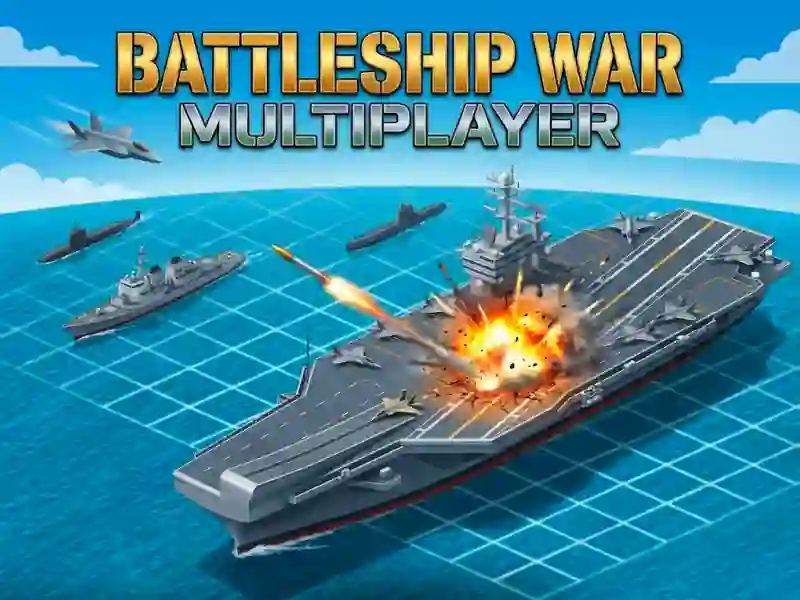
Battleship War: Multijogador — batalha naval contra jogadores reais
Tu posicionas os teus navios no tabuleiro. Podes mudar a orientação na horizontal ou na vertical. O botão de embaralhar distribui a frota aleatoriamente, se não quiseres fazer isso à mão.
Depois de posicionares tudo, começa o combate por turnos. Tu escolhes uma casa no tabuleiro do adversário e disparas. Um acerto mostra fumo e fogo na casa. Um falhanço pinta a casa de azul. O objetivo é afundar todos os 5 navios do inimigo antes que ele afunde os teus.
Por cada acerto, ganhas pontos. Podes usar esses pontos para comprar um avião ou um drone. O avião atinge várias casas de uma só vez. O drone revela parte da posição do inimigo. Estes reforços também estão disponíveis para o teu adversário, por isso a batalha continua justa.
Podes jogar de duas formas. No modo Classic, tu simplesmente tentas adivinhar onde está a frota inimiga. No modo Advanced, entram os pontos e os reforços. Para a batalha online, precisas de introduzir o nick e escolher um jogo rápido ou criar a tua própria sala para jogar com um amigo.
Uma mecânica parecida existe no jogo Sea Battleship.
O jogo funciona no navegador no computador, e também em smartphones e tablets.