
3D Bowling — free online game
3D Bowling
8.9 / 10
Loading...
3D Bowling — free online game
3D Bowling
Don't like this game?
Tell us why
Continue on your phone
Scan the QR code to open this game on your mobile device
How to play
3D Bowling — free online game

3D Bowling

Rating
8.9 (35 votes)
Technology
HTML5
Platform
Browser (desktop, mobile, tablet)
Screen Orientation
Portrait
Release
June 2018
Last Update
August 2026
Name
3D Bowling
Category
Sports

3D Bowling — knock down every pin in one throw

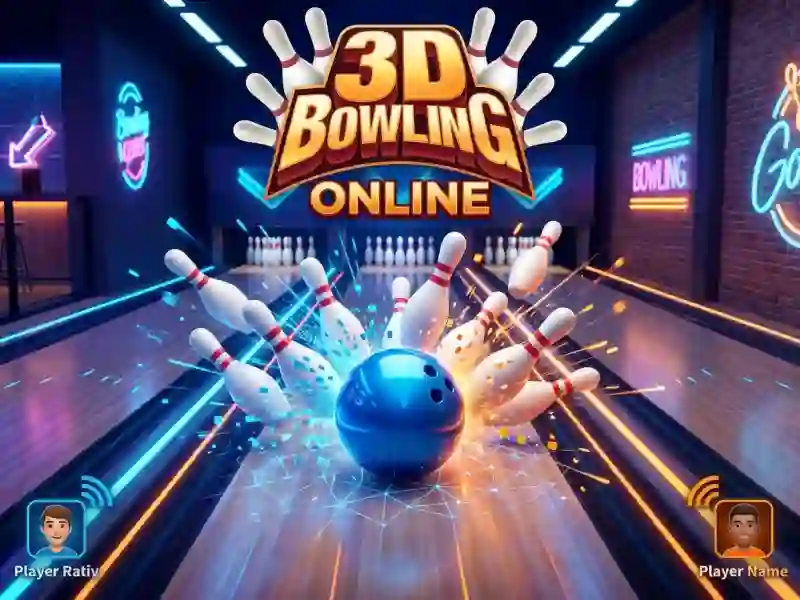
Your goal is to knock down every pin with one throw. You set the direction, then the power, and release the ball. This is classic bowling on a 3D lane. The game runs in the browser on desktop, tablet, and phone. The score is shown at the top of the screen.

Throw direction and power

First, you move the ball sideways and pick your line. Then you set the power and release it. While the ball is rolling, you can still nudge it a little to the side. A swipe adds spin. A similar throw works in Real Bowling.

Angle matters more than power. The precise line calculation here is just like in 8 ball billiards classic.

Three levels and a two-player match

At the start, you choose to play solo or with two players. In single-player mode, there are easy, medium, and hard levels. A match goes for 5 or 10 throws — you can choose that in the menu too. Two players take turns on the same device, so the game works great on mobile screens. The game opens right away — no registration needed.

Platform

Browser — desktop, mobile and tablet

Release

26 june 2018

Last Update

24 august 2026

How to play

PC:

  • Left mouse button — aim
  • Mouse movement — throw power
  • Release the button — throw
  • Move sideways — spin

Smartphones:

  • Tap the screen — aim
  • Swipe forward — throw
  • Swipe sideways — spin

FAQ — Frequently Asked Questions

How to spin the ball?

Swiping to the side during a throw sets the spin. On a computer, moving the mouse sideways does the same thing. The ball goes in an arc and approaches the pins at an angle.

How to play with two people on one device?

Select two-player mode in the start menu. Players throw in turns, each on their own turn. The total score of both is visible on the scoreboard above.

How many throws are there in a game?

The game is played with 5 or 10 throws. This is selected before starting along with the mode. The short version is suitable for a quick game during a break.