

Worldcraft 2 і його відкриті простори для будівництва
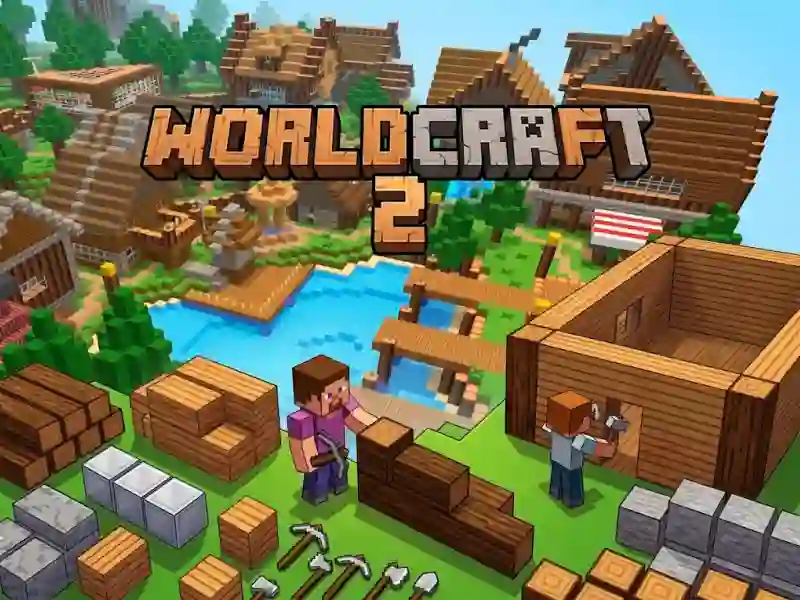
Worldcraft 2 закидає тебе в насичену будівництвом пісочницю Для дітей з купою порожньої землі для заповнення. Ти збираєш ресурси, а потім ставиш блоки, щоб створювати будинки, сади й цілі міські плани, а покращена графіка робить кожну споруду легкою для сприйняття.
Збирай матеріали з нижньої панелі
Панель інструментів унизу — це основа процесу будівництва: бери дерево, метал і інструменти, коли запаси закінчуються, а потім і далі розширюй свій проєкт. У неї можна грати безкоштовно онлайн у браузері, тож ти можеш і далі експериментувати, не збиваючи свій ритм.
Будуй, прибирай і рухайся картою
Рух відбувається за допомогою W, A, S і D, а ліва кнопка миші руйнує блоки, тоді як права повертає їх у світ. Така проста схема керування дає змогу легко звільняти місце, виправляти помилки й формувати нові ділянки на ходу.
Творчі пісочниці з подібним блоковим будівництвом
Якщо тобі подобається такий тип будівництва, схожими варіантами є Build Craft, Master Craft і CubeRealm.io, де все зосереджено на розміщенні блоків і вільному будівництві. Гра також добре пасує до тегів будівництво, пісочниця та крафт, особливо коли ти хочеш і далі доповнювати світ, що росте.
Натисни Escape, якщо тобі треба вийти й скинути фокус, а потім повертайся до ще одного раунду будівництва. Примітка про зимове дослідження та згадка про нові світи підказують, що тут є більше ніж одне місце для проходження.