

Truck Simulation: ramp runs and green-bay parking
Truck Simulation puts you behind a depot rig, steering through cargo jobs that end in marked parking zones. The challenge is less about speed and more about lining up the approach, swapping the camera, and easing the truck into a glowing target in this Simulation game.
Cargo runs inside the base
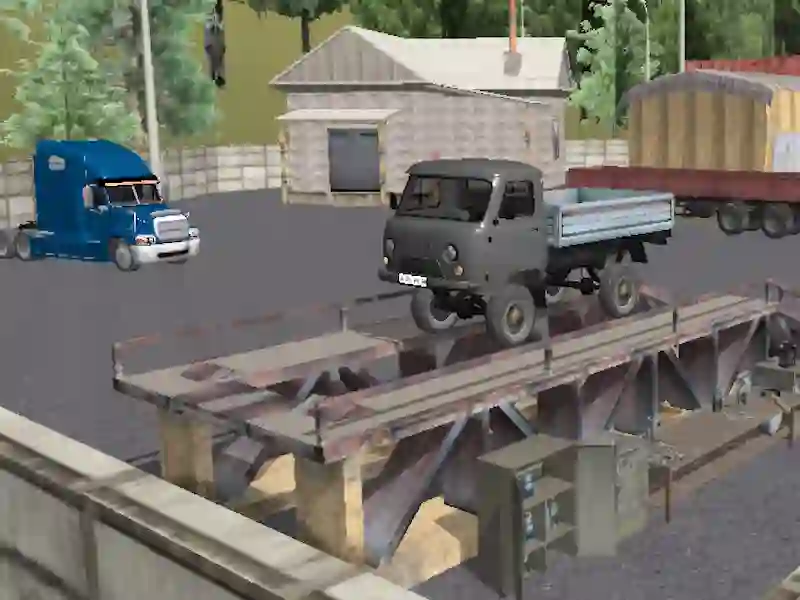
Most of the action stays on the same base map, so you move from hauling to ramp climbing to the final stop without a long drive between jobs. That tight layout keeps the focus on precision, and each clean finish nudges you toward the next load in a truck loop that plays in your browser.
Controls built for careful parking
The controls are specific: W, A, S, D handle driving, Space pulls the handbrake, C changes the camera, and T and G shift gears. Mouse control helps you inspect corners before backing in, and H or Esc gives you a reset or pause when the angle goes wrong. If you like careful vehicle placement, Extreme Truck Parking is the closest match.
Why the final stop matters
The real payoff comes when the truck settles squarely inside the green bay, especially when the edge of the zone makes the approach tricky. That parking-first setup also lines up with Simulator Truck Driver, while the hauling focus echoes City Driving Truck Simulator 3d.
This is a good fit if you enjoy heavy-vehicle handling and clean placement, with parking and truck details driving every job. The 3D view also matters, because camera changes can make the difference between a neat stop and a messy retry.