

Spaceflight Simulator: build, launch, and thread the route in arcade space runs
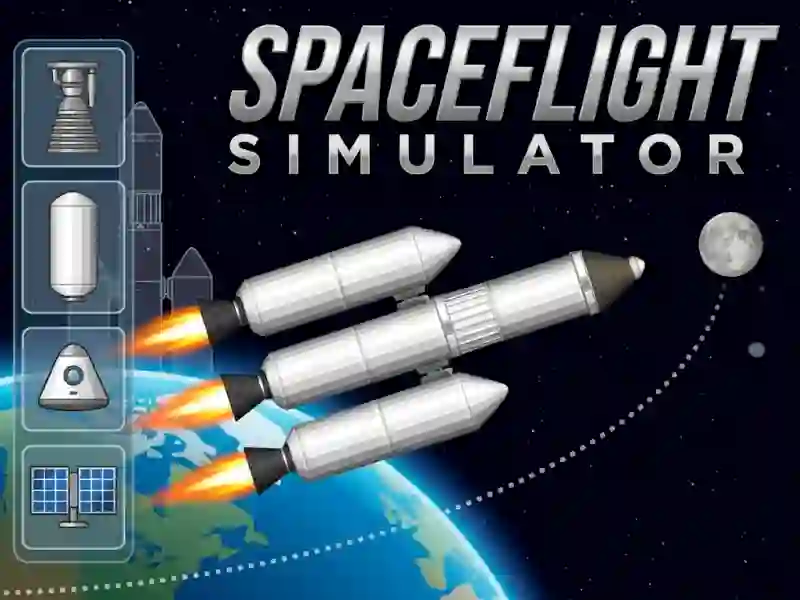
Spaceflight Simulator puts you in an arcade build-and-fly challenge where the ship starts as a model on screen, and you assemble it before liftoff. The space backdrop, the launch pad, and the route after leaving Earth all matter, so you’re not just clicking a rocket into motion.
Assemble the ship before the countdown
The first step is hands-on construction: a parts panel sits on the left, and you use those pieces to put the spacecraft together. That building phase gives the game its crafting angle, and it sets up the flight instead of dropping you straight into the air.
Once the rocket is ready, it moves to the pad and you start the engine with a mouse click or tap. Because the game is built around a simple launch sequence, it works well as a rocket challenge with no download and no signup.
Follow the route after you leave Earth
After takeoff, you guide the ship along a set path through space and dodge collisions with obstacles. That part feels very close to a navigation run, so every correction matters before you reach the finish and bank points.
If you like obstacle-dodging games such as Space Waves or Twisty Lines, this one leans into the same kind of careful movement, only with a spacecraft in the middle of it. The tension comes from keeping your line clean while the route keeps shifting around hazards.
Space conditions shape every landing attempt
The game is described with real-life conditions in space, which makes the flight feel less like arcade drift and more like a controlled mission. That detail also fits the space theme, since the whole run is about surviving the trip from launch to endpoint.
You can also compare the build-and-drive approach with Rovercraft, where shaping a vehicle changes how it performs on the course. Here, though, the focus stays on rocket assembly, launch timing, and route control, so each attempt asks you to balance preparation with precision.