

Sneaker Art i šablon patike koji ručno obnavljaš
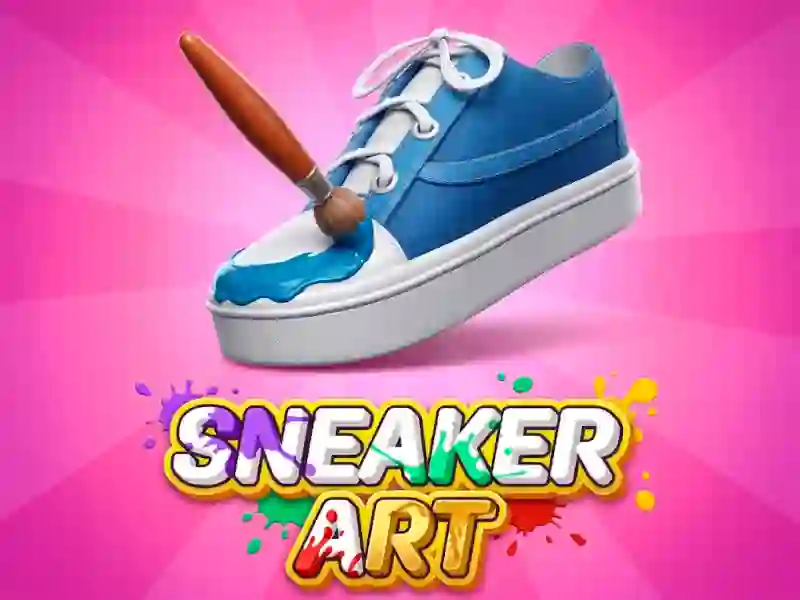
Sneaker Art pretvara praznu cipelu u izazov usklađivanja boja, uz svaki panel koji čeka pravu nijansu, prugu ili akcenat. Lepo se uklapa u Za decu, a referentna patika sa strane drži svaki izbor zasnovan na istoj konturi.
Ispuni svaki deo prema referentnoj patiki
Počinješ crno-belim platnom i bojiš ispravne delove jedan po jedan, pa je raspored jednako važan kao i paleta. Pažljivo gledaj primer patike, jer promašena mrlja ili pogrešna traka mogu da pokvare završni izgled pre nego što se pojavi rezultat.
Dodaj pertle i ukrase posle osnovnog sloja
Kada su glavne boje na mestu, faza detalja otvara pertle i ukrase koji menjaju konačan dizajn. Taj dodatni sloj čini da cipela deluje kao da je sklopljena, a ne samo ispunjena, i fokus na dizajnu ostaje jasan od početka do kraja.
Kontrola mišem drži tempo jednostavnim
Koristi levu taster miša da izabereš boju i naneseš je tamo gde pripada, pa pređi na sledeći oblik kada je deo gotov. Pošto igra radi bez preuzimanja i bez registracije, možeš da porediš, ispravljaš i završiš patiku u kartici pregledača. Ako uživaš u ovom pažljivom ritmu bojenja po oblastima, Color Pixel Art Classic i Coloring by Numbers Pixel Rooms koriste sličan tok usklađivanja, dok se Diamond Painting by Number oslanja na isti stil zasnovan na posmatranju.
Svaka završena patika ocenjuje se prema tome koliko verno prati primer, pa zabava dolazi iz uočavanja oblika, usklađivanja panela i urednog završavanja prilagođenog izgleda.