

Real Drone Simulator e suas corridas de drone em três modos de voo
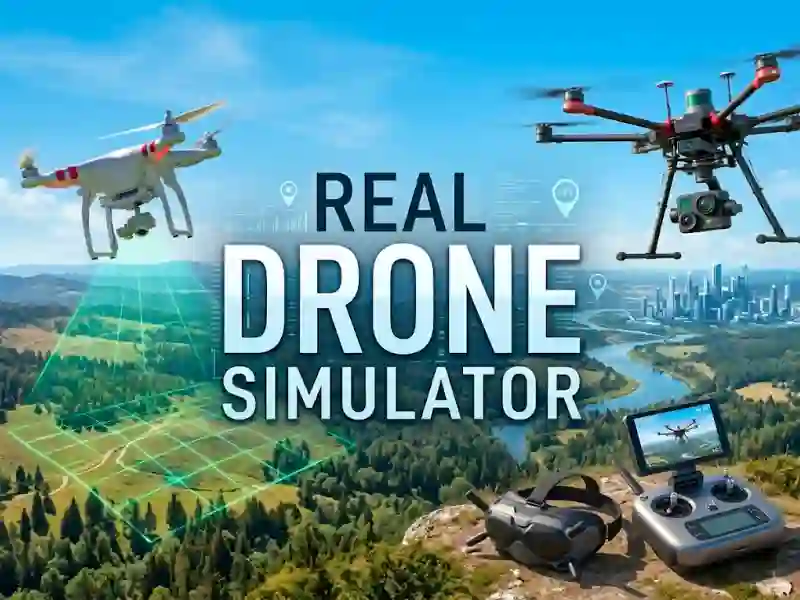
Real Drone Simulator coloca você no controle de diferentes modelos de drone, de aparelhos básicos a máquinas de alta tecnologia, em uma configuração de Arcade criada em torno de varreduras de áreas e chegada a checkpoints. A visão 3D dá a cada corrida uma sensação de direção limpa, e o drone se comporta como uma máquina que você precisa conduzir com cuidado.
Varra áreas e passe por checkpoints
Suas tarefas principais são práticas: varrer uma área, inspecionar partes de um prédio e alinhar o drone com marcadores de checkpoint. Isso significa que você não está voando apenas pelo movimento; você está lendo a rota, corrigindo seu ângulo e mantendo a máquina estável em tempo real.
Três modos de voo e drones diferentes
O jogo permite que você alterne entre três modos, então o mesmo mapa pode exigir tipos diferentes de controle. Você também tem acesso a muitos drones, o que mantém o manuseio variado enquanto você passa de modelos mais simples para outros mais avançados, assim como em Real Flight Simulator 3D.
Controle por teclado para voo estável
Os controles são organizados de forma clara: WASD move o drone em quatro direções, as setas para Cima e para Baixo aumentam ou reduzem a altitude, e as setas para a Esquerda e para a Direita o giram. Isso faz com que o desafio seja sobre comandos limpos e correção rápida, especialmente quando você tenta manter a linha nas corridas por checkpoints. Se você quer outro sim com foco semelhante no controle, City Bus driving Game Simulator usa o mesmo tipo de atenção à rota, enquanto o visual realista mantém o movimento ancorado e a tag reflexos combina com as curvas mais apertadas.