

Patterns and the magic of rebuilding each layout piece by piece
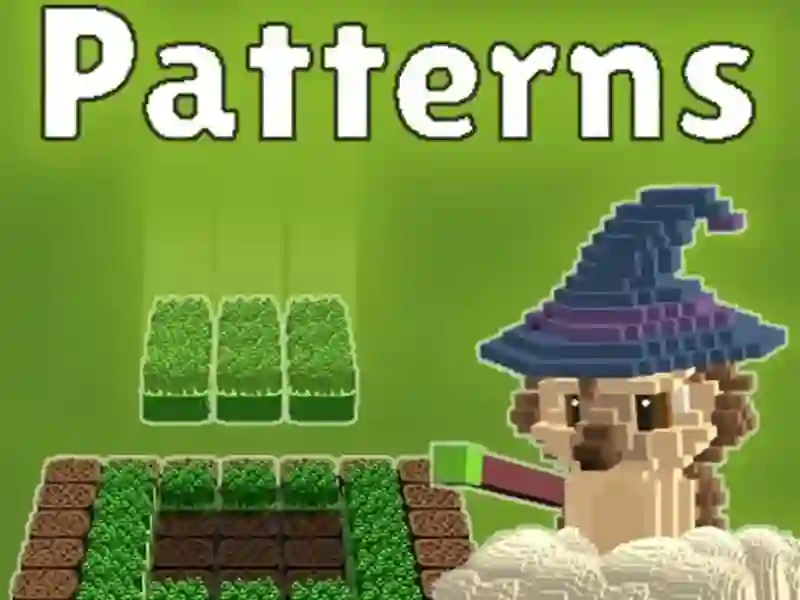
Patterns puts you in a simulation setup where you recreate a pictured layout by matching the target on the left with parts from the panel on the right. You pick an element, place it on the board, and keep adjusting until the copy lines up with the model.
Pick the right element, then place it exactly
Each round starts with a clear reference image, so you can check what belongs on the board before you move anything. Click the element icon to switch between pieces, then click a tile to place the chosen part in the right spot.
The game asks you to rebuild the arrangement carefully, not just fill space, and the finished result is judged by how closely it matches the sample. That makes every move matter, especially once the shapes become more layered and the combinations get harder.
Shape changes and Stretch Mode add more control
Patterns also gives you shape tools, so you can change the form before locking it into place. Click a shape icon to swap the outline, and in Stretch Mode you can drag the arrows to extend a shape instead of replacing it.
That extra control is what separates a rough guess from an exact copy, and it opens up more ways to solve a layout without starting over. If you enjoy rebuild-and-match puzzles like Sort Tiles or Block Blast, this mechanic will feel familiar in a fresh way.
Points and tougher levels keep the pattern board moving
Successful copies earn points, then send you onward to the next level with more intricate combinations to solve. The pace keeps changing as new details appear, and you can keep testing your eye for order without any download and no signup.
For players who like spatial problem-solving, the draw is the way grass, fire, clouds, and similar elements combine into a single design. It also sits close to board-style builders like Wood Blocks Jam, but with a magical pattern-making twist.