

Paint or Hunt — hide under paint or hunt down disguised opponents
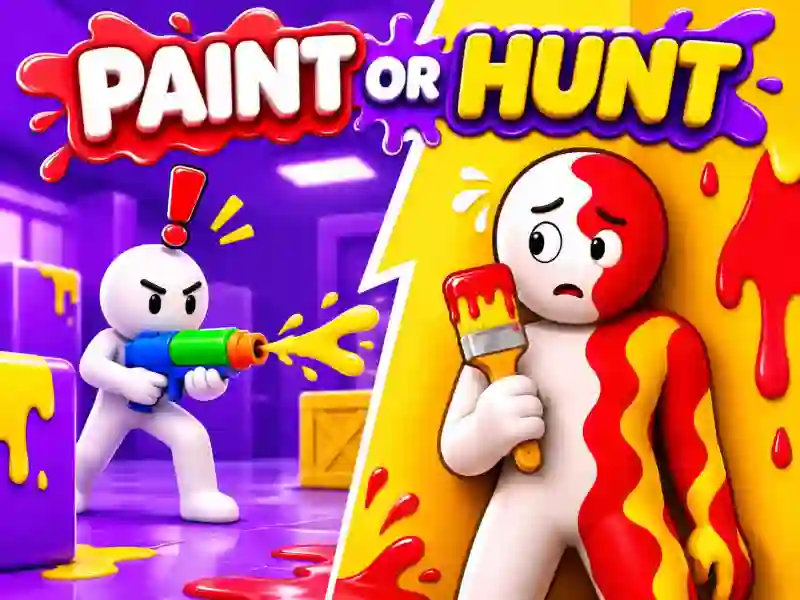
In Paint or Hunt, you jump into a quirky 3D game of hide-and-seek where it’s not enough to just hide behind an object. If you’re the hider, you need to match the color of nearby surfaces, paint your character, and strike the right pose. And if you’re the hunter, you’ll have to track down players trying to blend into the environment. A similar hidden-player search challenge shows up in Hunters vs Props Online.
How camouflage works
You get 17 poses and painting tools for camouflage. The eyedropper lets you sample color straight from nearby surfaces. First, find a good spot and pick a pose, then fine-tune your paint job. Even a perfect color match won’t save you if your silhouette stands out from the objects around you.
When the prep time ends, the hunt begins. Listen for whistles, check suspicious silhouettes, and shoot when you spot a target. Observation and spotting tiny differences are key here.
The game has seven maps, and before each match you can adjust hide time, search time, and the number of hunters. You can play online matches or local 2-player co-op on one device. If you’d rather compete with color-based weapons, check out Dye Hard. In Paint or Hunt, paint is mainly for camouflage, not for capturing territory.