

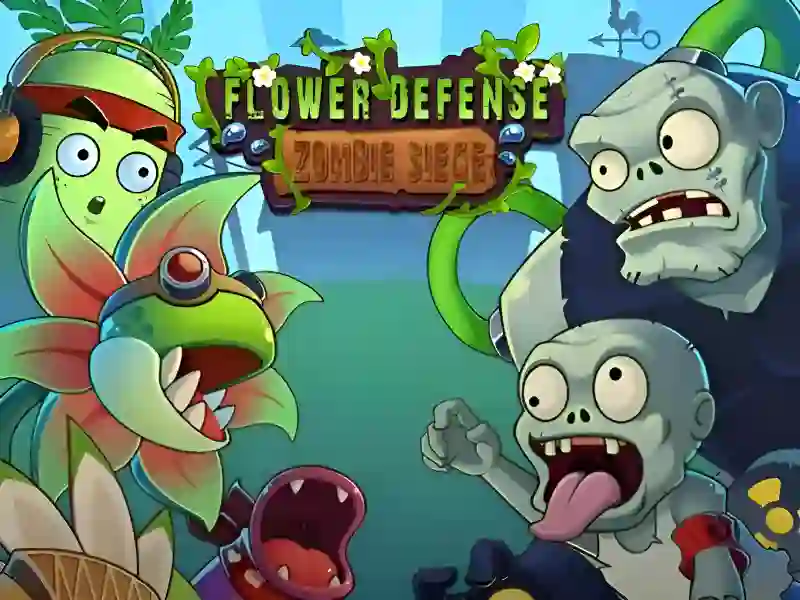
Flower Defense Zombie Siege og kampen for den siste blomstrende oasen
Dette Strategi og administrasjon-spillet setter deg til å styre en hage under beleiring, der hver plassering teller langs fiendens rute. Du bygger en rekke forsvarere, samler sol for å finansiere flere planter, og hindrer zombiene i å nå slutten av stien, uten nedlasting og uten registrering.
Plantetyper med ulike oppgaver
Hver blomst fyller en annen rolle, så du stabler ikke bare den samme enheten om og om igjen. Noen skyter raskt, noen treffer mer enn én fiende om gangen, og noen bremser angriperne, noe som gjør oppsettet i banen viktigere enn rene tall.
Den blandingen er grunnen til at spillet ligger tett på Zombies vs. Sunflowers og Plants vs Undead, der kontroll over banen og valg av enheter styrer hver runde. Du kan også bruke ressurser på nødplanter når en bølge blir rotete, så en svak linje er ikke alltid tapt.
Bølger, sterkere fiender og det siste framstøtet
Utfordringen øker etter hvert som du beveger deg gjennom nivåene, og senere stadier kaster tøffere motstandere mot oppsettet ditt. Hver runde presser deg til å overleve hver bølge, inkludert det siste framstøtet fra en stor horde, mens nyere plantetyper og hardere fiender fortsetter å endre presset.
Hvis du vil ha en nærmere match til den samme bane-forsvarsfølelsen, Garden Defense - Zombie Siege og Flowers vs Zombies heller begge mot den samme typen planlegging med planter mot udøde. Zombie-temaet passer også naturlig med Zombie- og Blomster-ideene som former hele slagmarken.
Museklikk og trykk gjør planting enkelt
På datamaskin velger du et frø med venstre museknapp, og klikker deretter på en tom gressflate for å plassere det. Du kan også klikke på fallende ressurser for å samle dem raskere, mens du på telefoner og nettbrett trykker på planteikonet og deretter på stedet du vil ha det.
Det berøringsvennlige oppsettet gjør det enkelt å holde forsvaret i gang på desktop og mobil, og spillet lagrer til og med låst opp framgang i nettleseren automatisk. For spillere som vil ha et kjent bane-forsvarsoppsett, gir Plants vs Zombies (Fanmade) enda et tydelig referansepunkt, mens Plants vs Zombies-taggen passer til spillestilen her.