

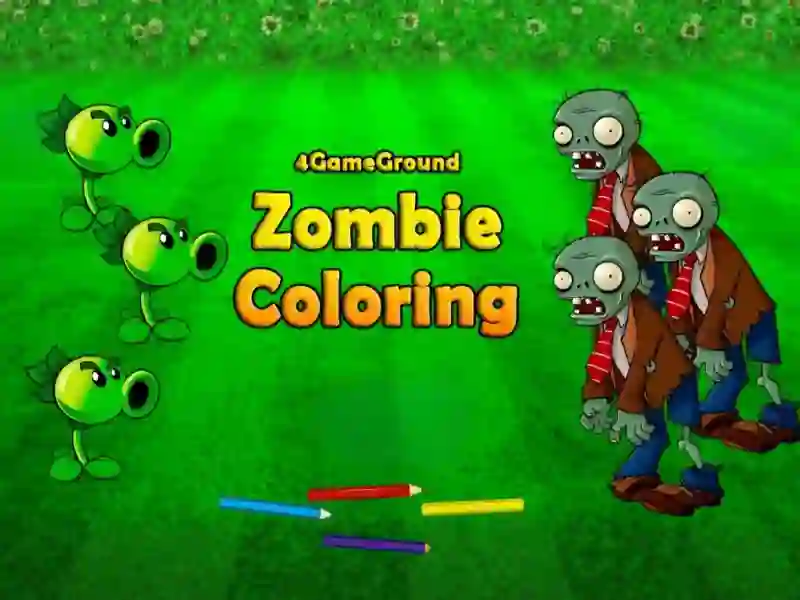
4GameGround Zombie Coloring and its sketch-to-color painting board
This coloring game gives you black-and-white zombie sketches and a palette for filling each area with your own choices. You paint the outlines piece by piece, shaping everything from dull line art into neon or pastel monsters in a browser, no download and no signup.
Brushes, fill tools, and the palette
The controls stay simple: pick a color, then click or tap the part you want to paint. The source also mentions pencils, brushes, and fill, so you can work neatly on bigger shapes first and then finish the small details like eyes, teeth, and clothing.
Cross-platform drawing on PC and mobile
4GameGround Zombie Coloring runs on both desktop and touch devices, so you can color on a computer with the mouse or on a phone with taps and swipes. If you like the zombie theme, the zombie angle is front and center, while the coloring tag fits the hands-on paint-by-segment play.
Make each sketch look different
There is no timer pressure, which lets you decide whether a picture should stay close to the original or become something stranger. That freedom is what puts it in the same family as Plants vs Zombies Coloring, Ben 10 Coloring, and Color Pixel Art Classic, where the real goal is choosing colors that make the final image pop.
Because unfinished progress may reset if you close the tab, it makes sense to finish one drawing before moving on. The game also suits Plants vs Zombies fans who want a softer, art-focused take on the same oddball undead style.